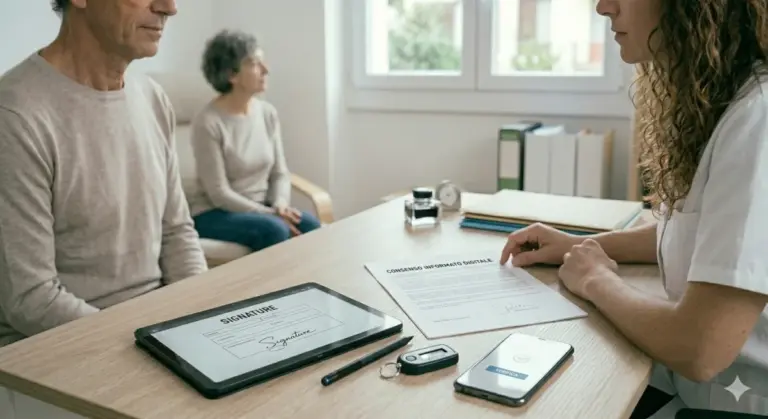

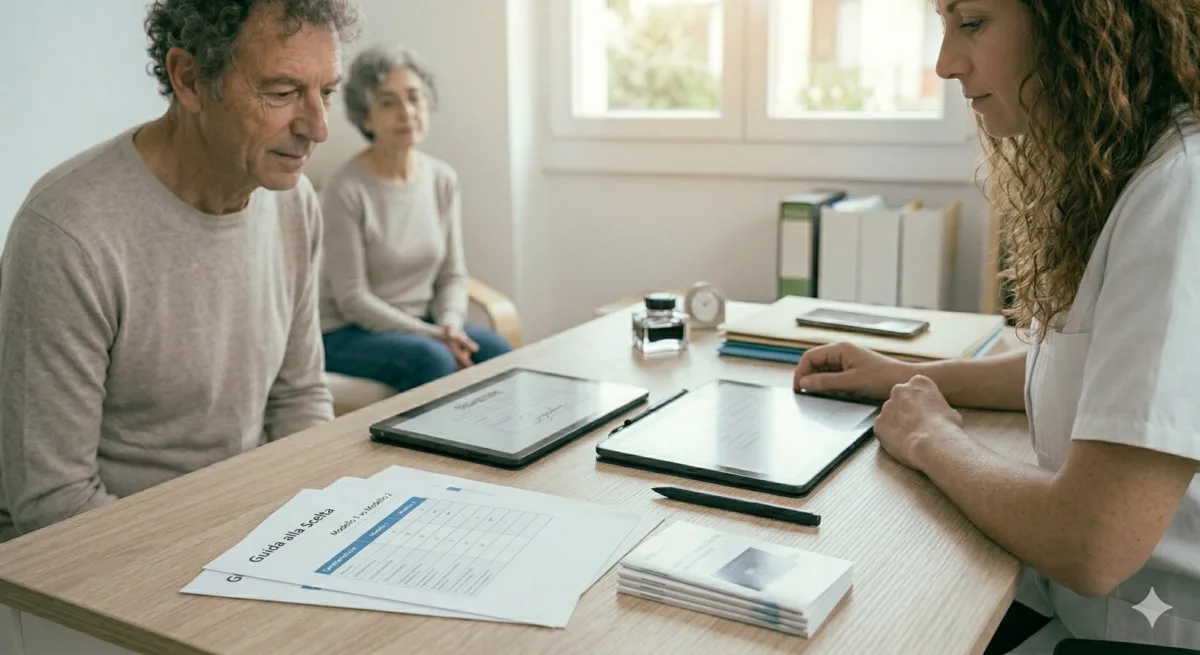
The graphometric signature on a tablet is the most reliable way to digitise signatures in the medical practice. It guarantees authenticity and regulatory compliance without complicated procedures.
What the graphometric signature is and why it matters
The graphometric signature is a biometric technology that captures the unique characteristics of a handwritten signature. It is not a simple image, but an encrypted file containing biometric data.
BeebeeSign, the BeebeeDoc app, collects specific biometric data while you sign: speed, pressure, tilt, rhythm and acceleration. These parameters make the signature impossible to forge.
The graphometric signature complies with the EU eIDAS regulation (Electronic Identification and Signature). It is an advanced electronic signature with legal validity throughout Europe.
In healthcare, the GDPR requires informed consent forms and clinical data to be signed digitally. The graphometric signature fully meets these regulatory requirements.
Patients prefer signing on a tablet: it is natural, quick and leaves a record of their unique biometric characteristics. No paper scans, no slow processes.
Technical tablet requirements for graphometric signatures
Not every tablet supports the graphometric signature. Specific hardware features are needed to capture accurate biometric data.
The main requirement is a capacitive touchscreen. This type of screen records the micro-contacts of the human finger at high resolution. It does not work with old resistive touchscreens.
Pressure sensitivity is essential. It must be at least 256 pressure levels in order to capture the natural variations of a signature. The more precise the sensor, the better.
The touchscreen sampling rate must be at least 60 Hz. Preferably 120 Hz or higher to capture every detail of the signature.
The recommended screen size is between 7 and 13 inches. A screen that is too small makes signing difficult; one that is too large is unwieldy.
The battery must last at least 8-10 hours of continuous use. In a medical practice you cannot recharge the tablet between patients.
The minimum RAM is 4 GB. Better 6-8 GB if the tablet is also used for applications other than BeebeeDoc.
- Capacitive touchscreen with at least 256 levels of pressure sensitivity
- Minimum sampling rate 60 Hz (120+ Hz ideal)
- Screen diagonal 7-13 inches
- Battery life of 8-10 hours
- Minimum 4 GB RAM (6-8 GB recommended)
- Latest OS version (iOS 15+ or Android 11+)
Digitise signatures in your practice with BeebeeDoc
BeebeeDoc is the cloud medical practice management software with graphometric signature on tablet built in through the BeebeeSign app. Free 15-day trial, no card required.
iPad vs Android tablet: which to choose
Both iOS and Android support graphometric signatures. The choice depends on your ecosystem and the budget available.
iPads lead the field in biometric recognition. They have powerful processors and very high-resolution screens. BeebeeSign works perfectly on iOS.
Android tablets offer more choice of models and more competitive prices. Samsung, Lenovo and Huawei make quality devices with excellent capacitive touchscreens.
The 11-inch iPad Pro is the premium option. Liquid Retina screen, M2 processor, superior pressure sensitivity. A significant investment, but reliable.
The Samsung Galaxy Tab S9 FE is the recommended Android alternative. Good build quality, excellent battery life, very good value for money.
If the tablet is used only for signing, you can choose a certified entry-level model. If you use other apps, a mid-range model with stronger specs is better.
Recommended tablets compatible with BeebeeBoard
BeebeeBoard supports all modern tablets that meet the technical requirements described. Here are the models most widely used in medical practices.
iPad Pro 11″ (M2 or M4): Liquid Retina XDR display, outstanding pressure sensitivity, 10+ hours battery life. Price: €800-1200.
iPad Air 11″ (M2): a smaller version of the Pro, excellent performance, great screen. Price: €600-800.
Samsung Galaxy Tab S9 FE: 13-inch TFT display, 8000 mAh battery, reliable Exynos processor. Price: €300-400.
Samsung Galaxy Tab S9: AMOLED, 90 Hz, top tier performance for Android. If the budget allows, this is the one we choose. Price: €500-700.
Lenovo Tab P11 Pro Gen 2: OLED, long battery life, sturdy design. Excellent value for money. Price: €400-600.
All these tablets are natively compatible with BeebeeBoard. The BeebeeSign app runs without lag and captures biometric data accurately.
How to set up the tablet for the graphometric signature
Setup is simple and takes 5 minutes. No specialist technical work is needed.
First step: download the BeebeeSign app from the App Store (iOS) or Google Play (Android). Install it on every tablet in the practice.
Second: log in with your account's BeebeeDoc credentials. Each tablet syncs automatically with the cloud.
Third: configure the pressure sensitivity and sampling rate settings. BeebeeSign suggests optimal presets, which rarely need changing.
Fourth: try a test signature. Sign on the tablet and check that the biometric parameters are captured (pressure, speed and tilt visible in the app).
Fifth: place the tablet in a stable dock near the desk. The screen should be tilted 15-20 degrees for the patient's comfort.
Automatic synchronisation with BeebeeDoc happens in real time. The biometric signature goes straight into the patient's file, encrypted and certified.
OTP signature: the alternative that needs no hardware
If you cannot invest in a dedicated tablet, consider the OTP signature as an alternative. No special device is needed, just the patient's smartphone.
OTP stands for "One Time Password". The patient receives an SMS code on their mobile number. They enter the code to sign the document digitally.
The OTP signature complies with eIDAS as a simple electronic signature. It is not as advanced as the biometric one, but it has full legal validity.
Advantages of the OTP signature: zero hardware investment, fast, the patient uses their own phone. Disadvantages: less biometric data captured, less natural than signing on a tablet.
The ideal choice is to combine both. Use a tablet for patients in the practice where one is available. Use OTP for remote patients or to speed up processes without a tablet.
Purchase and maintenance costs
The initial cost of the tablet varies enormously. It depends on the brand, the model and the technical specifications chosen.
iPad: €600-1200 for entry-level, €1000-1500 for Pro. Average lifespan 5-6 years. Annual cost: €100-250.
Samsung Android: €300-700 for certified models. Average lifespan 4-5 years. Annual cost: €60-175.
Lenovo Android: €400-600 for medium-high quality. Lifespan 4-5 years. Annual cost: €80-150.
Additional costs: screen protector (€20-30), case/stand (€30-50), optional insurance (€5-10 a month).
The BeebeeSign app is included free with the BeebeeDoc subscription. No extra monthly cost for graphometric signature.
Minimal maintenance: restart the tablet 1-2 times a week. Clean the screen with a soft cloth. Update the OS when an update is available.
For a medical practice with 3-4 patients a day, we recommend 1 dedicated tablet. A larger practice (8+ patients a day) benefits from 2 tablets in parallel.
Security and regulatory compliance
The graphometric signature is one of the most secure technologies in the digital world. Biometric data is encrypted end-to-end.
BeebeeSign uses RSA 2048-bit encryption algorithms to protect signatures. No one can alter or forge them after they have been captured.
GDPR compliance is guaranteed. Biometric data stays local on the tablet and is not sent to the cloud without explicit consent.
eIDAS certification is recognised throughout the European Union. A graphometric signature captured in Milan is valid in Germany, France and Spain.
In the medical sector the additional rules are met: patient anonymity, access tracking, automatic backup of signatures.
Conclusions and next steps
The graphometric signature on a tablet is the right choice for modern medical practices. Fast, secure, compliant with the rules, natural for patients.
If you are choosing a device: pick an iPad Air/Pro if reliability comes first, or Samsung/Lenovo if the budget is tight. All of them work perfectly with BeebeeDoc.
Setup is simple. In 5 minutes the tablet is up and running and collecting certified biometric signatures.
If a tablet is not an option, the OTP signature remains valid and fast. Combine tablet and OTP for maximum operational flexibility.
BeebeeDoc combines the graphometric signature, the OTP signature and every tool a medical practice needs. Free 15-day trial so you can see for yourself.
Start your free trial today
Want to try BeebeeBoard? The trial is free. No credit card required, and for 15 days you can explore everything BeebeeDoc can do.