


Takings and fee registers
The till balances at the end of the day
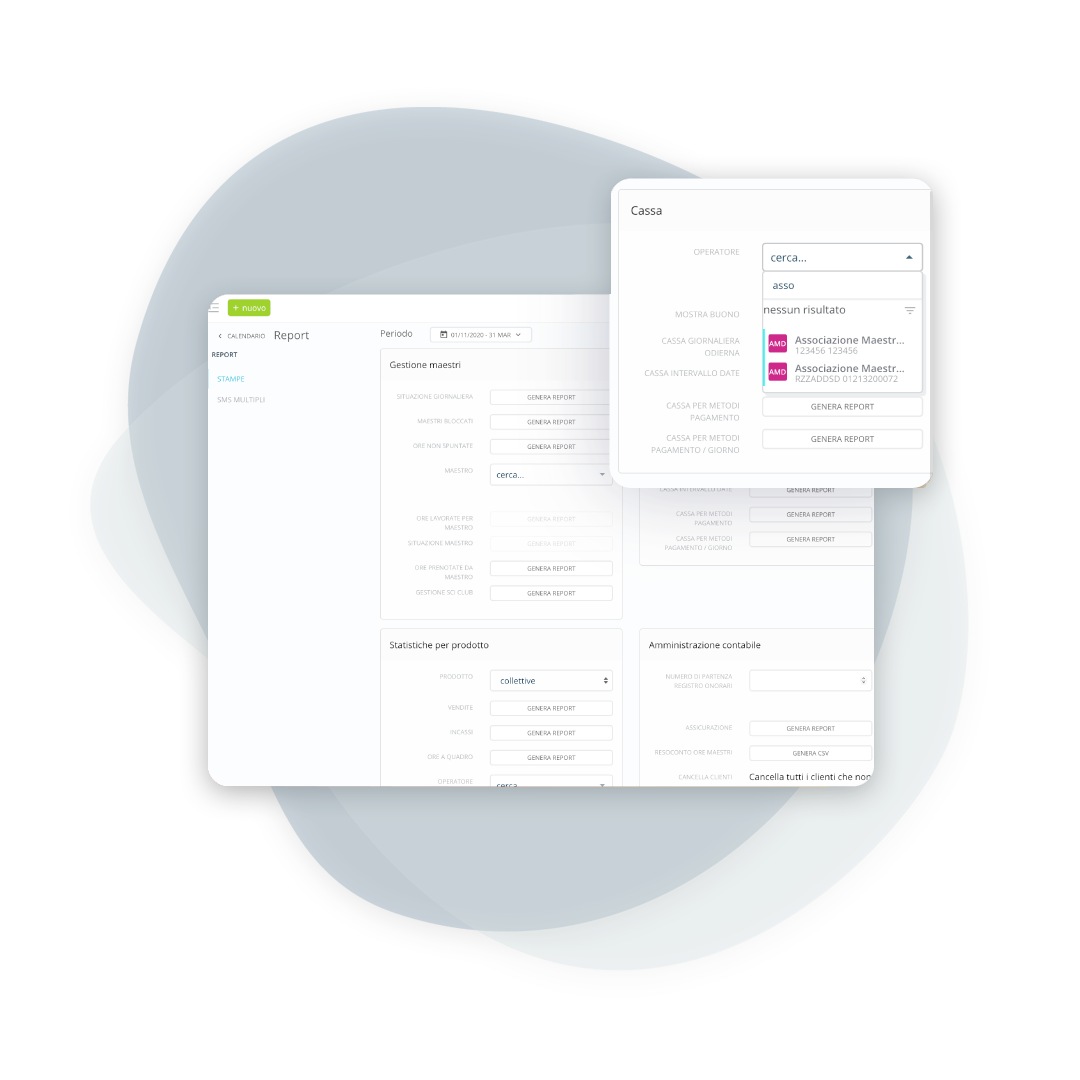
Check your daily or monthly earnings, broken down by payment type and operator.

BeebeeSki
Collection management and fee register
Separate collections by operator, divide payment methods and close the register without errors.
Revenue control
Cash register management for single operators
Keeping the numbers in order is simple when the process is organized: each operator has their own cash register, with an immediate summary and a quick and verifiable end-of-day closing.
From daily to monthly, without wasting time
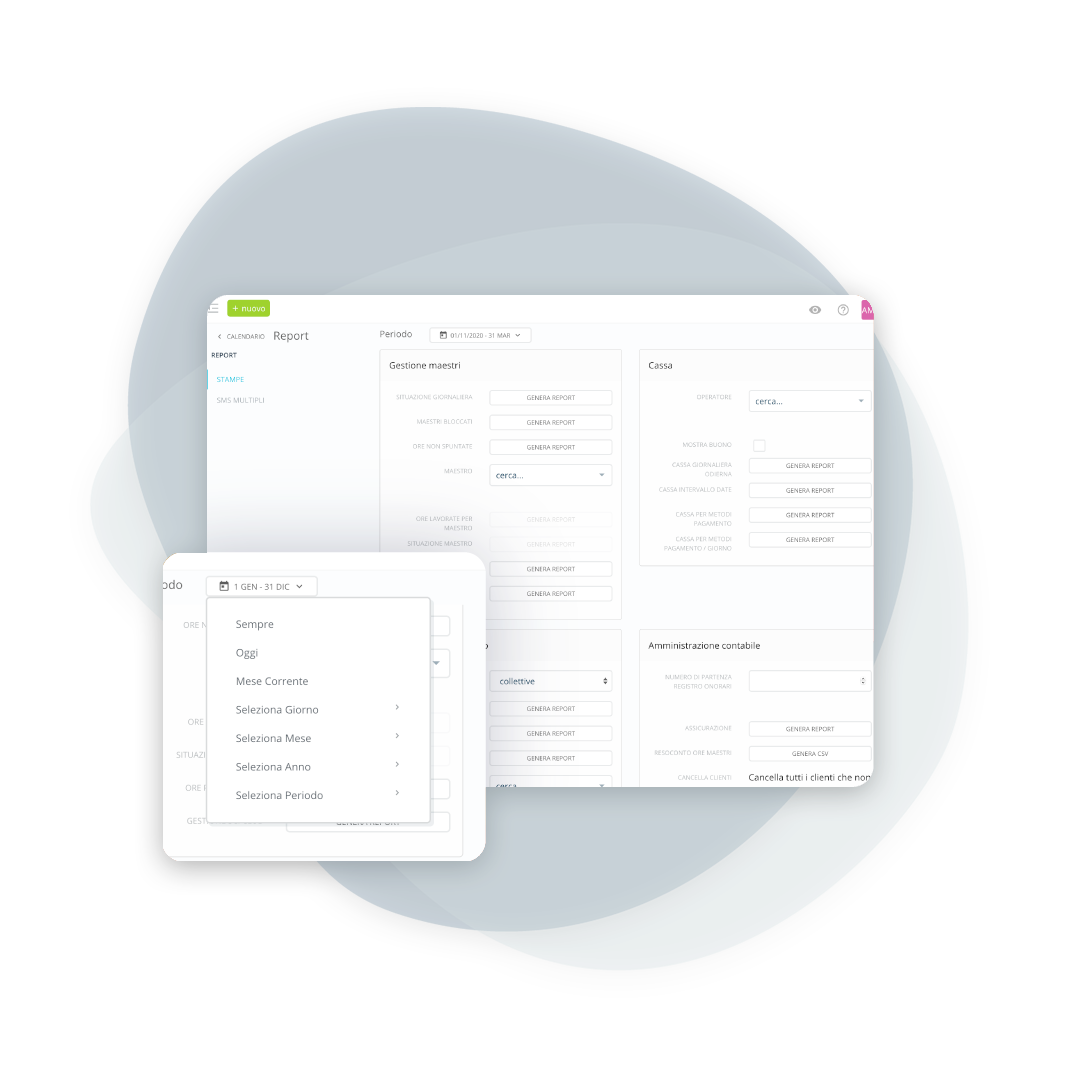
Filter by day or a longer period
Generate reports by day, week, or month: compare operators, analyze payment methods, and even track e-commerce sales.
At the end of the month, send the official document to the accountant
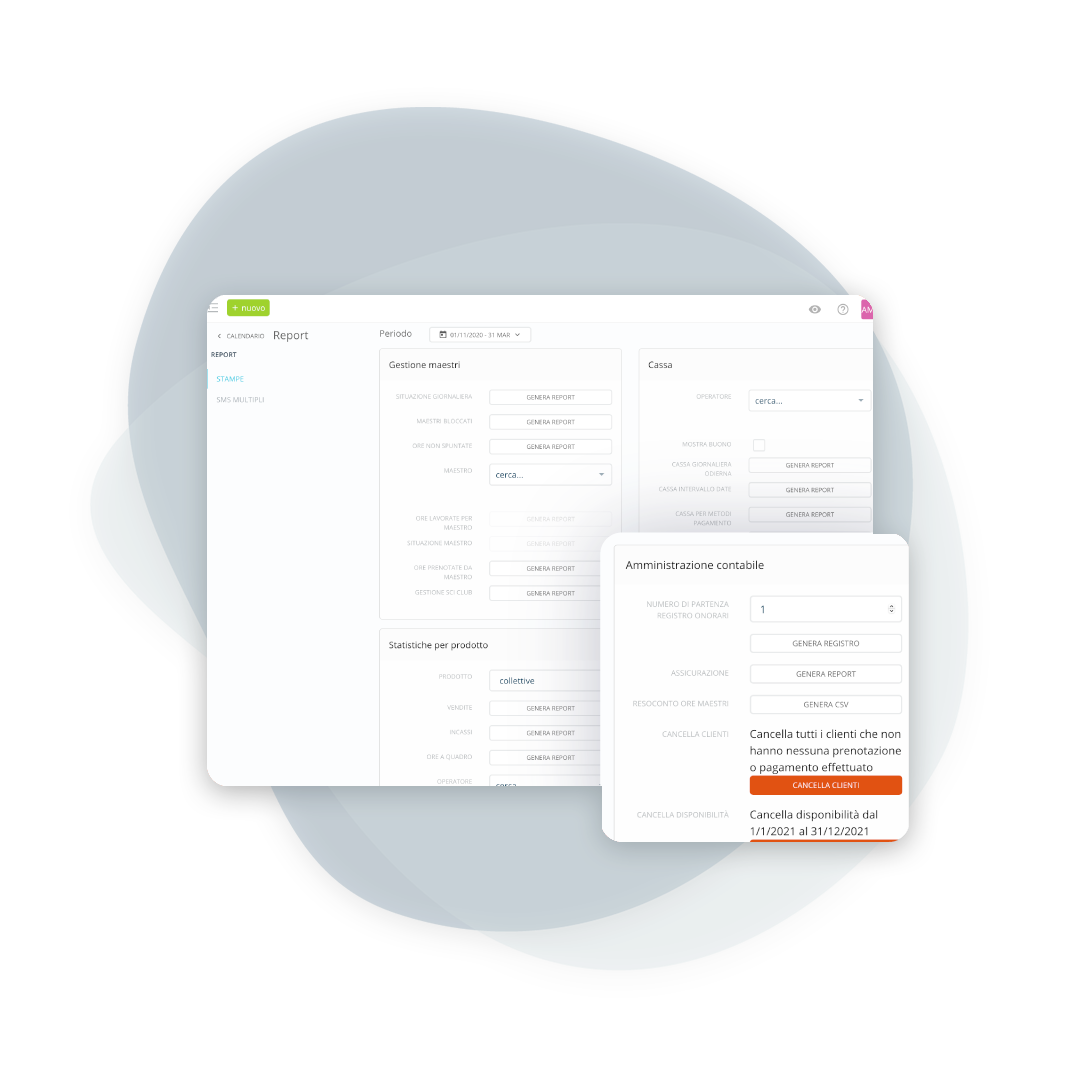
Generate the fee register
Based on your school's deadlines, generate a fee register with all collection transactions: a complete document, ready to archive or share.

Insurance Amount Report
Insurance Summary
If your school provides cancellation insurance, get a clear summary of the amounts already collected and the amounts to be paid to the insurance company.
Frequently asked questions about takings
Yes, you can export reports (even filtered ones) in PDF format.
There is a dedicated operator called “E-commerce”, which collects all electronic transactions.
The date of actual collection is always valid.
Amount, payer, payment date and method, operator who recorded the transaction, product purchased, and details useful for reconciliation and verification.
Yes: cash, card, online payments and vouchers stay separate in the report. It is the breakdown you need to reconcile the till at the end of the day with what has reached the account.
Yes, the report can be filtered, and schools with several meeting points compare the days with each other instead of reading a single total that does not say where things went well.
Anyone with the right access level. It is the first permission schools restrict, because takings figures are of no use to those working on the slopes.
Yes, by setting the same period as the year before. For a ski school the useful comparison is by week, not by month: the holidays never fall on the same days.
Let’s talk about your ski school
Have any other questions? Contact us now!

“`