


Receipts and electronic invoices
The document comes out of the lesson
Issue tax documents to your customers! Send them by email and manage your electronic invoicing workflow directly with BeebeeBoard.

BeebeeSki
Issue receipts and invoices in just a few simple clicks
Manage your active and passive invoicing cycle, with documents always organized and ready to send.
Issue tax documents for lessons, courses and products
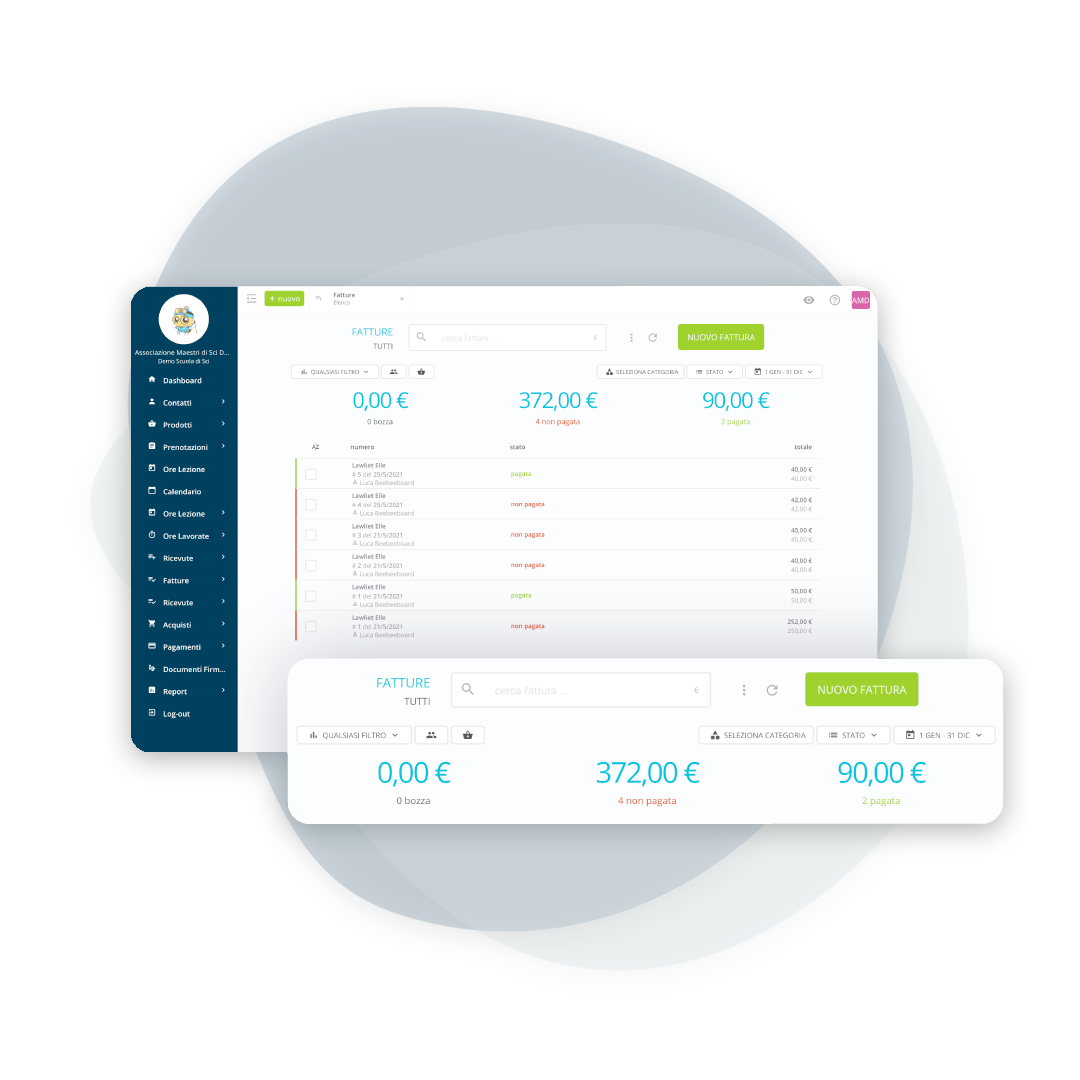
Active invoices
Issue receipts or invoices with a custom template (your school's colors and logo), email them to your customers, and track the status of each document. Billing information is configured during setup.
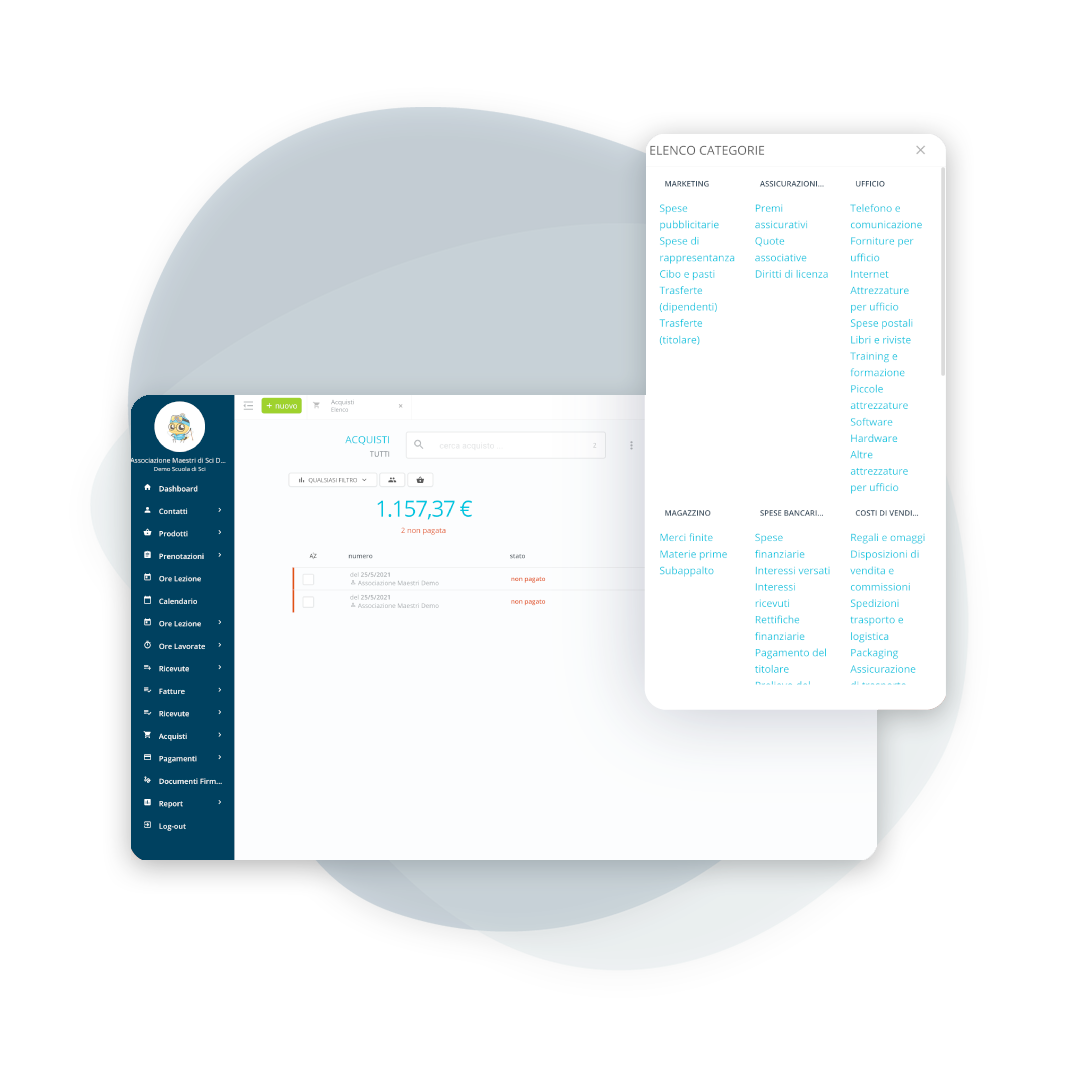
Also records ski school purchases
School expenses
Record your cash flow to get a true overview of your financial situation: costs, suppliers, deadlines, and documents that are always accessible.
A simple, useful and always up-to-date budget
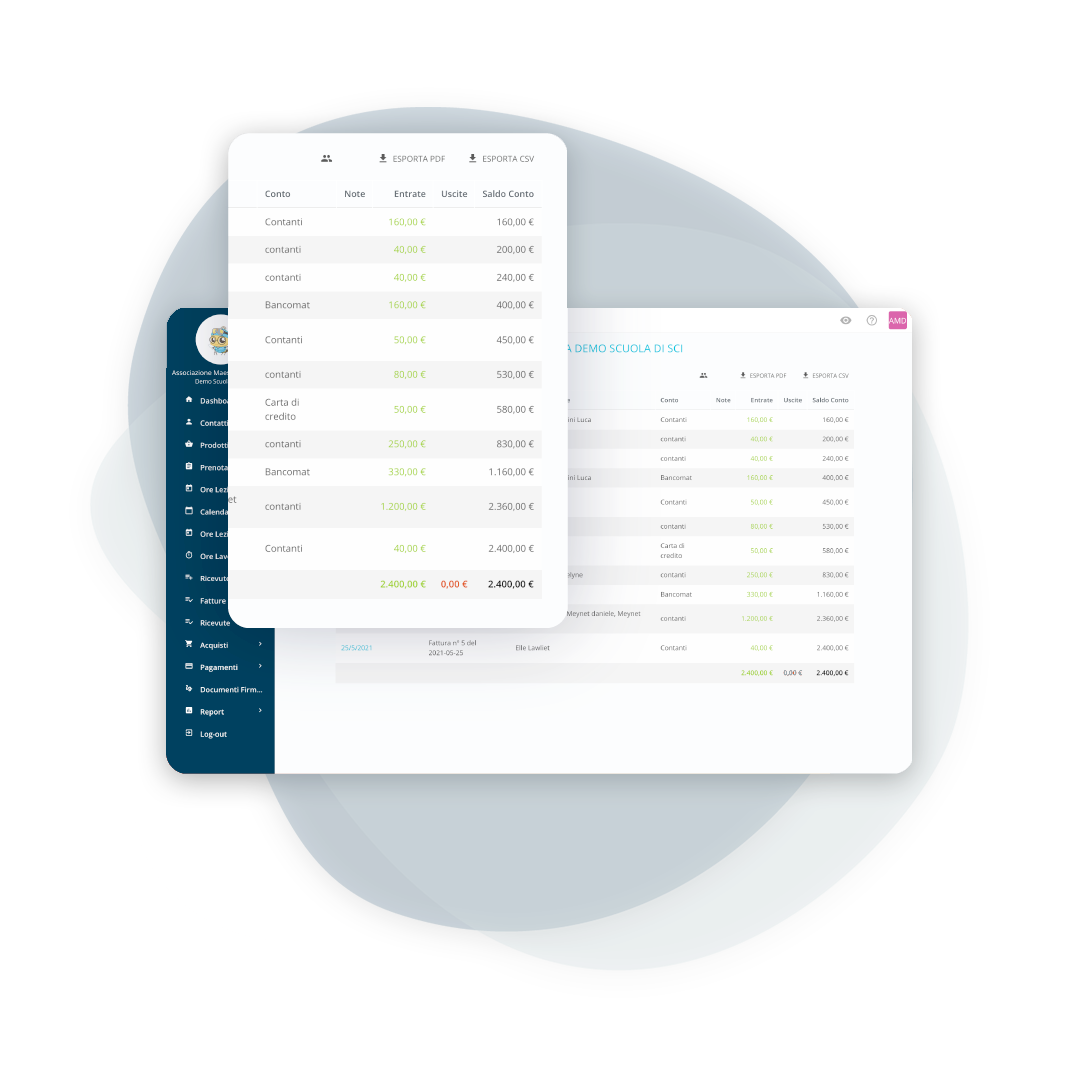
First Note Document
Organize cash and bank transactions and compile the First Entry: a practical tool to avoid losing any transactions and simplify the accountant's work.
Automated sending and receiving, with outcome control
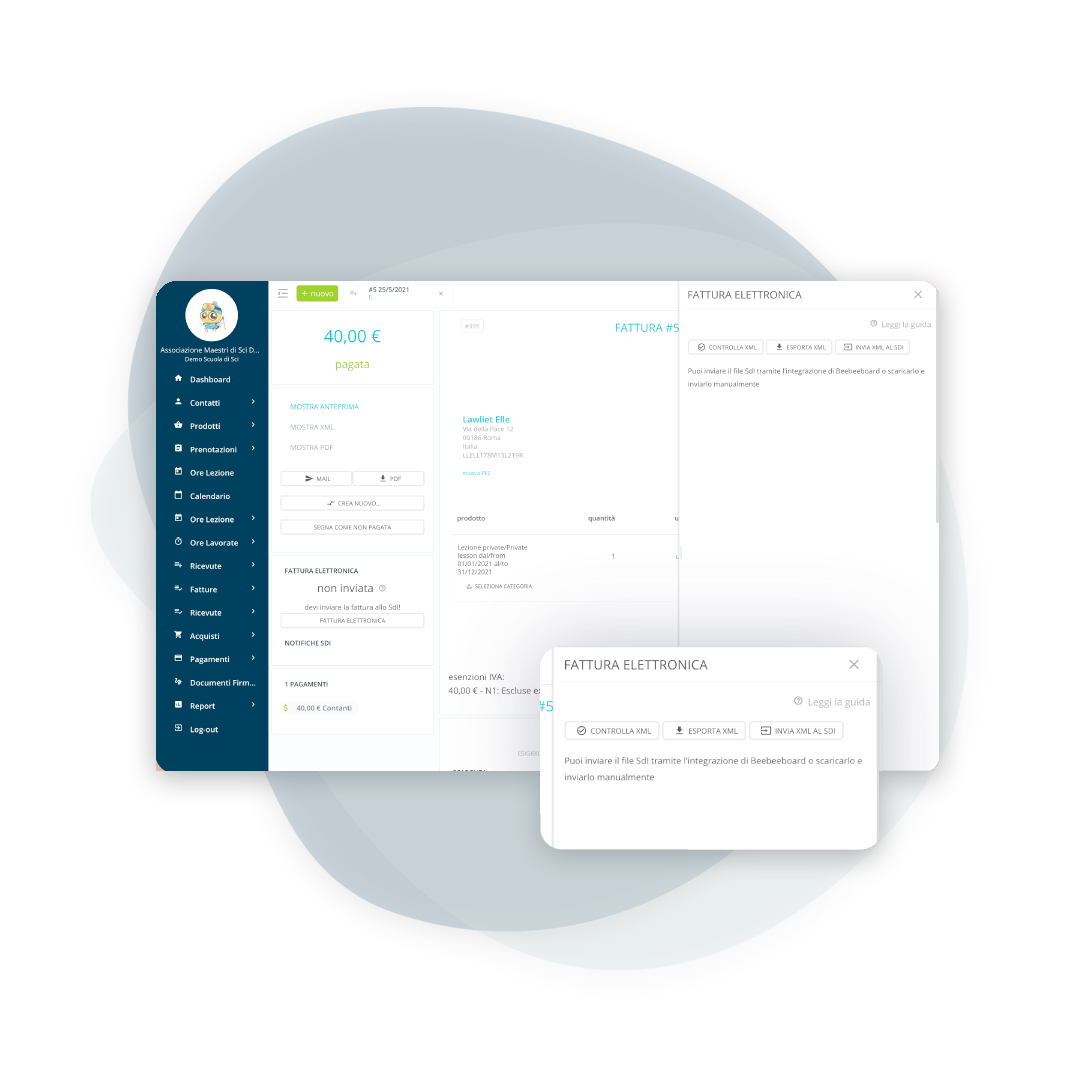
Send invoices and receive outcome notifications
Submit issued invoices (monthly or quarterly) to the SdI, receive outcome notifications, and quickly correct rejected invoices. Passive invoices are automatically uploaded to the management system. When needed, export the XML files and send them to your accountant.
Frequently asked questions about invoicing
Yes. Thanks to the XML electronic invoicing standard, invoices and purchases can be imported en masse into BeebeeBoard using the FatturaPA format.
When interacting with the Interchange System (SdI), the intermediary sends and receives FatturaPA files on behalf of the economic operator.
BeebeeBoard uses Trust Technologies as an intermediary for sending and receiving electronic invoices.
Yes. By activating BeebeeBoard's electronic invoicing service, you'll be assigned a new Unique Code to set in your tax drawer, so no invoices are lost and you don't have to communicate them individually to suppliers.
The correct procedure is to issue a Credit Note linked to the invoice: the Credit Note is also sent as an electronic invoice and effectively cancels the previous document.
Yes, by making the document out to the company instead of the individual customer, with its tax details and its Codice Univoco (Italy's e-invoicing recipient code). It is the typical case of groups booked through an intermediary.
The management software shows the status and the reason received from the Sistema di Interscambio (Italy's e-invoicing exchange system). It is almost always a wrong detail in the customer record, which is corrected and resent without redoing the document.
Yes. Which document to use depends on the school's tax regime, not on the management software, which issues both and keeps them in the same accounts.
By exporting the period's invoices and purchases in PDF and in XML. It is the same format the accountant downloads from the portals, so there is nothing to convert.
Let’s talk about your ski school
Have any other questions? Contact us now!