


E-invoicing for medical practices
The invoice comes out of the appointment
Between rejections, notifications, and XML files, electronic invoicing can take up time and concentration. With BeebeeDoc, you can create invoices in just a few clicks, send them to the Exchange System, and manage outcomes and payments directly from your management system, with a clear and traceable workflow.

The problem: electronic invoicing adds bureaucracy, checks, and outcome management.
The solution: electronic invoices with sending to the SdI, outcome notifications and rejection management
With BeebeeDoc, you manage the entire process: create the invoice, convert it into an XML file, and send it to the Exchange System (SdI). Delivery, rejection, or acceptance notifications arrive on the platform, and if an invoice is rejected, you can quickly correct and resend it. You can also track collections and payment statuses without switching between different tools.
Simple sending, even in bulk
Sending invoices
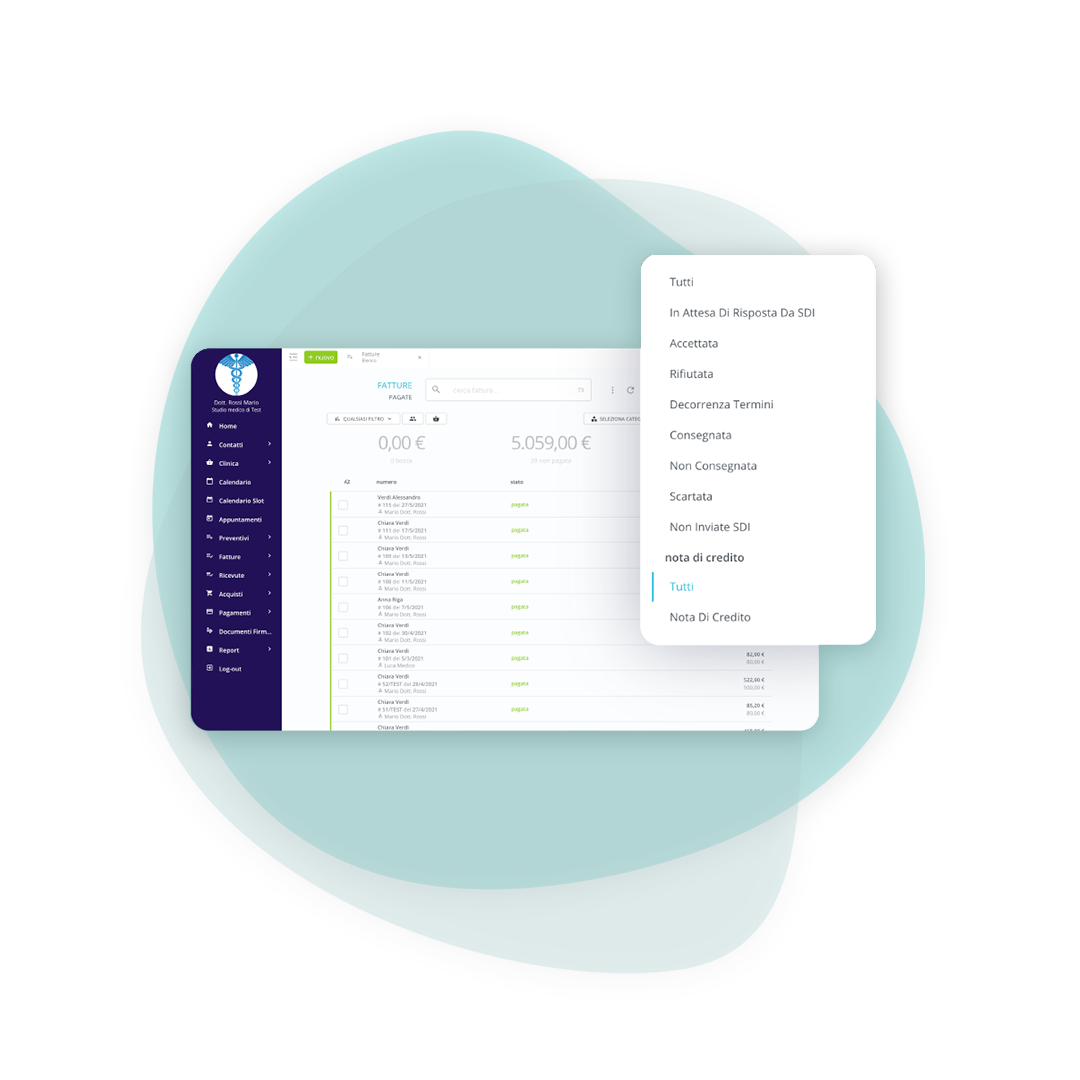
Decide whether to send invoices individually as soon as they're issued or in bulk by period. Delivery checks are managed by the system, and notifications appear directly in the platform, so you always know what has been sent and when.

Immediate check of results
Was the operation successful?
Send invoices to individuals, companies, or public entities and automatically view the results as soon as the SdI responds. If an invoice is rejected, you can edit and resend it, reducing delays and wasted time.
Neat passive, without repetitive insertions
Receive your invoices automatically
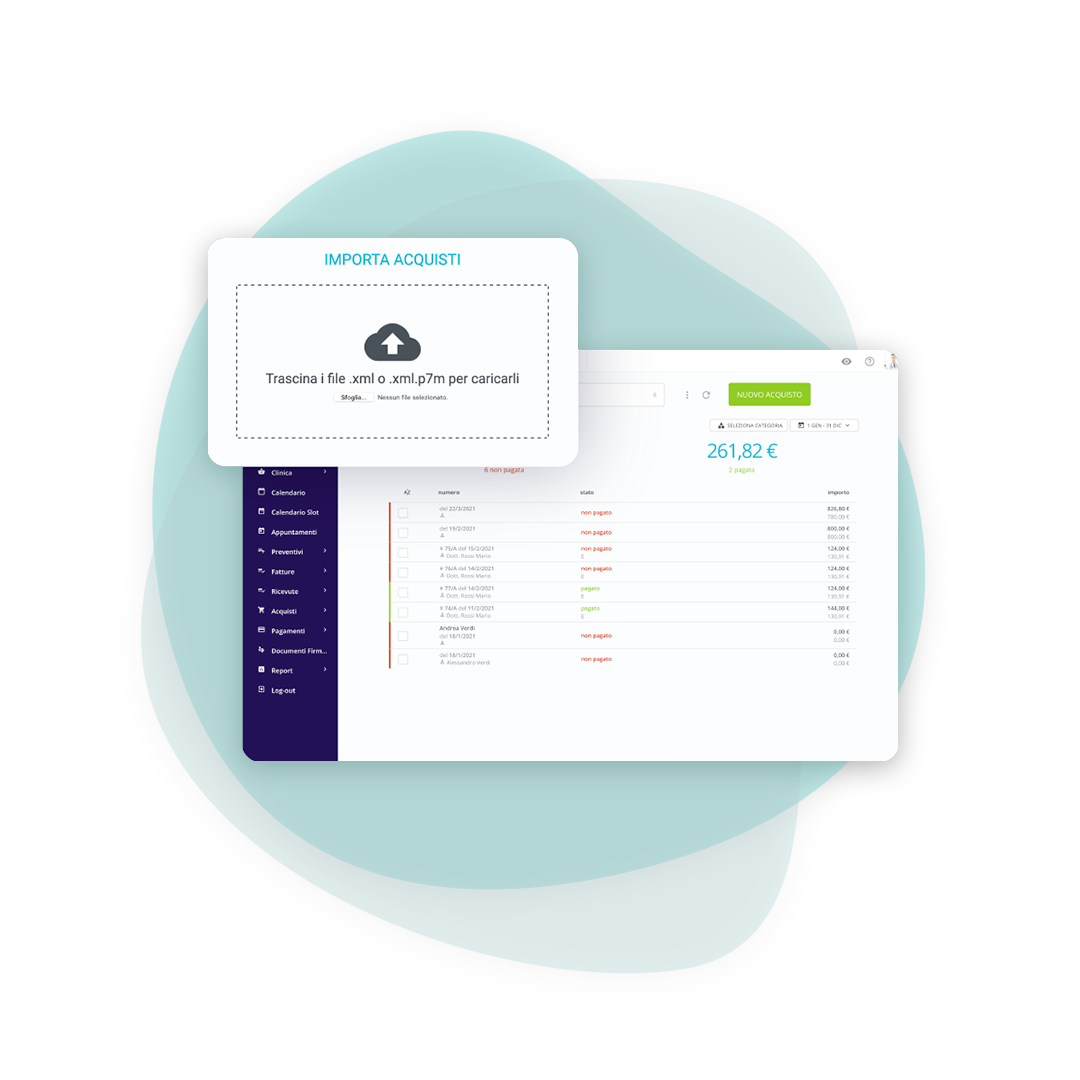
Electronic invoices are uploaded to the platform and linked to the supplier's file, with an XML file available upon purchase. This way, you can find everything in one place and keep your expenses and accounting up to date.
Share everything in an orderly way
Send all invoices to your accountant
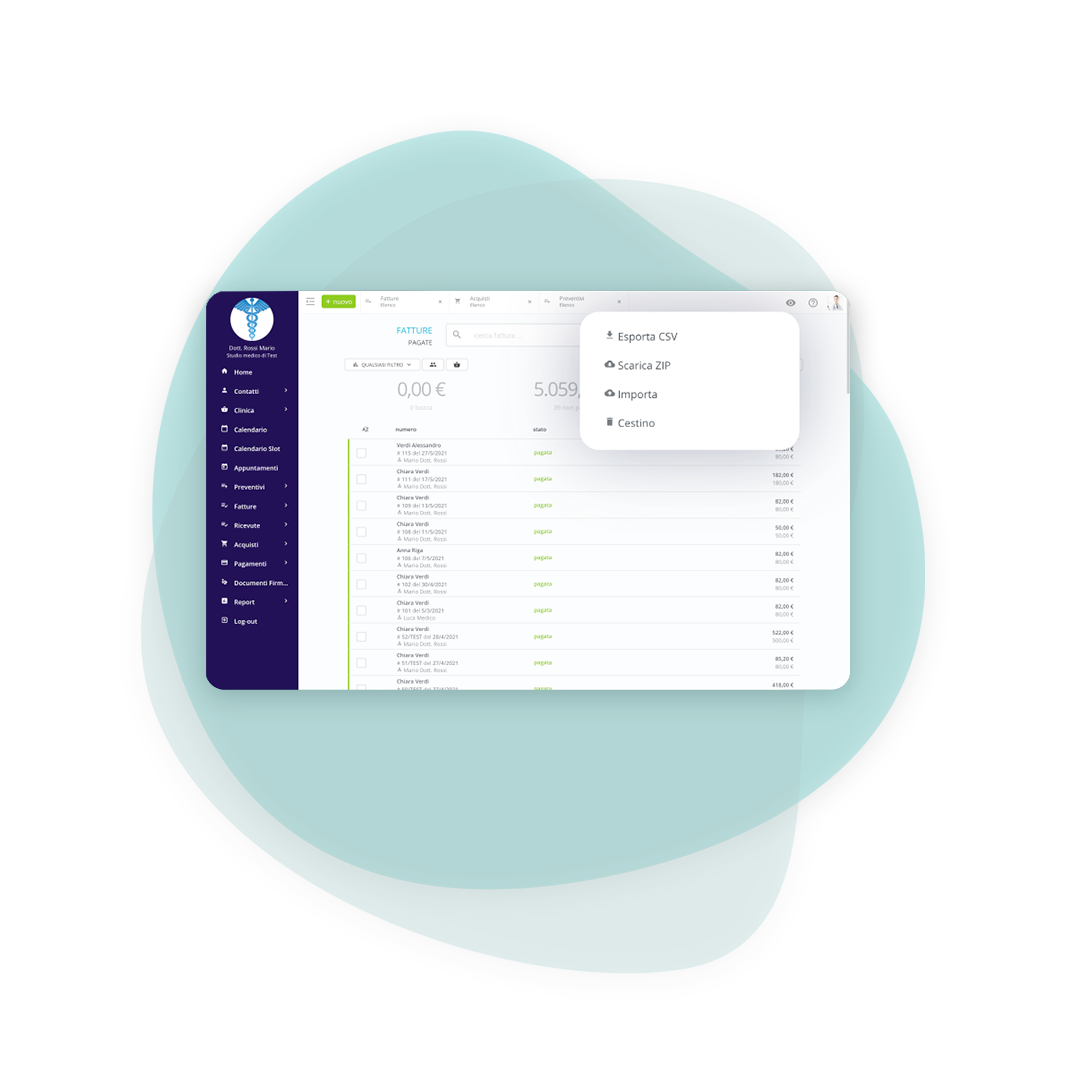
For active and passive invoices, you can download the documents in XML format and email them to your accountant, who can then import them en masse into their accounting software.
Frequently asked questions about invoicing
In interacting with the Interchange System, the intermediary is the entity that sends or receives FatturaPA files on behalf of the economic operator and/or the public administration.
- If the intermediary is authorized to transmit files on behalf of third parties, consult the Economic Operators section.
- If you are authorized to receive files on behalf of public administrations, please consult the Public Administrations section.
BeebeeDoc uses Trust Technologies as an intermediary for sending and receiving.
The recommended procedure is to issue a credit note for that invoice. This credit note must also be sent via electronic invoicing and effectively cancels the previous document.
Sent and received invoices are visible in the BeebeeDoc invoice/expense list. They also remain available in the tax drawer. The letter "E" indicates that it is an electronic invoice and therefore can no longer be modified.
The Unique Code is the code used by the SdI to deliver documents to the correct channel. By activating BeebeeDoc electronic invoicing, you receive a new Unique Code to set in your tax drawer: this way, no invoices are lost and you don't have to communicate the new code to all your suppliers.
You create a standard invoice in BeebeeDoc. The system transforms it into the required XML file and handles submission and checks to the SdI, without additional technical procedures.
Only operators who fall under the "advantageous regime" and the "flat-rate regime" are exempt, according to current legislation.
Attention
Operators under the advantageous or flat-rate regime can still issue electronic invoices.
Added to these categories are "small agricultural producers" (art. 34, paragraph 6, Presidential Decree 633/1972), who were exempt even before the introduction of the obligation.
Yes, without rewriting it: the quote becomes an invoice keeping the lines and amounts. You can also copy an existing invoice or receipt, which is the quickest way for recurring services.
With a credit note, which is the route laid down once the invoice has been accepted by the Sistema di Interscambio. The platform generates it linked to the original document, including credit notes on self-billed invoices.
Yes. Incoming invoices are received in the software by registering the main electronic address, and from there they are filed together with the outgoing ones. The cash book keeps the picture of income and outgoings.
They are the replies from the Sistema di Interscambio: they say whether the document has been delivered, is being processed or has been rejected, and in the last case why. The documentation lists the statuses and errors of the Sistema TS with the remedy for each.

Freelancer
For practitioners working on their own, with no front desk

Medical Office
For various specialist figures who share the work environment

Outpatient clinic
For more complex clinical structures where different professional figures cooperate
Try BeebeeDoc for free for 15 days
Your practice is created right away with your email. Within 24/48 hours we call you to set it up and import your data.